Electronic
devices for
food and
agriculture
Our main expertises are the measures of : Texture & firmness, color, weight, size and ph. We also realize
peristaltic pumps.
Our instruments and machines are designed and assembled in France
Our activity is present on the world market for more than 30 years
Our devices are constantly evolving, we always integrate the latest technologies thanks to a modular design. We are
experts in 3D printing, and have formulated a specific resin based on ceramic microparticles. This gives our instruments a
geometric stability in all environments
We also produce in-house electronic boards, and program microcontrollers and interfaces for Windows and Android
We sincerely thank our customers for recognizing our expertise in over 70 countries.
All the world's largest blueberry and tomato companies trust us. Our instruments also contribute to research and training
in the most prestigious universities
Nevertheless, our market remains small, and as such, you will understand that it does not allow us to employ a large
workforce
We have long-standing partners around the world, with units capable of repairing and calibrating our instruments in South
Africa, India, Peru and Mexico

© Made by Agrosta 2024 lak@agrosta.org
STAY
UPDATED
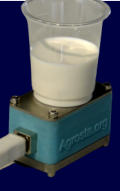
Roxanne
Smart
Colorimeter
Belle2
Texture
Analyzer
100 Field Durofel
tester
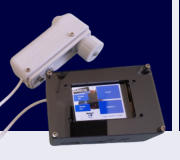
Winterwood
turntable machine
for blueberry and
cherry
Esther bluetooth
penetrometer
Copains
bluetooth soil
penetrometer
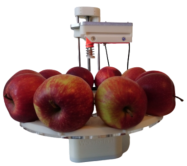
Wonderful turntable
machine for
all fruits
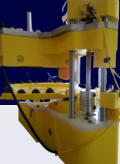
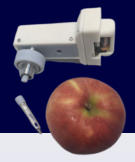
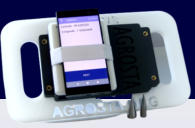
FruitLab fruit texture
analyzer with
automatic
scale
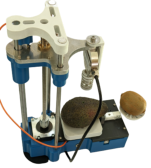
Analog texture
analyzer
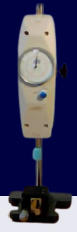
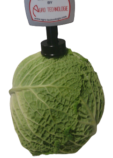
Needle firmness
tester for
cauliflower,
lettuce, cheese
and ham


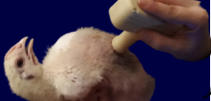
Medista 5000 for
alive animals,
medicine, meat
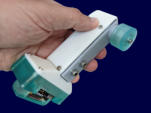
100 Blue Durofel
tester


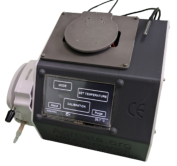
Peristaltic pump with
temperature regulation
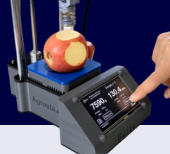
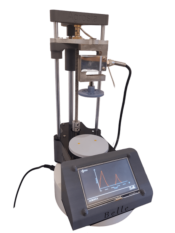
Fruit & veg texture
analyzer Rose
Kingfisher firmness
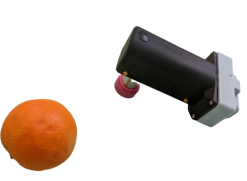
tester for citrus and
avocado
Bluetooth statistic pH
meter
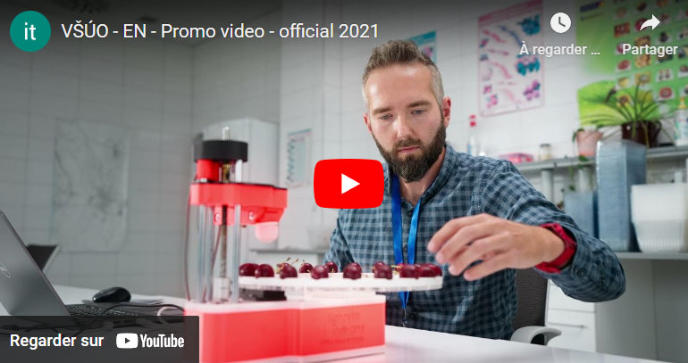
Thanks to our client, the public czech research center of Holovousy for using
Agrosta Winterwood version 2019 in its corporate video :
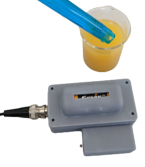
Statistic weight recorder
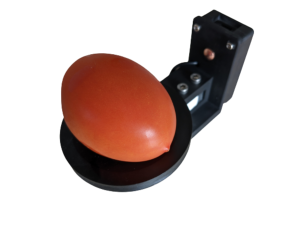
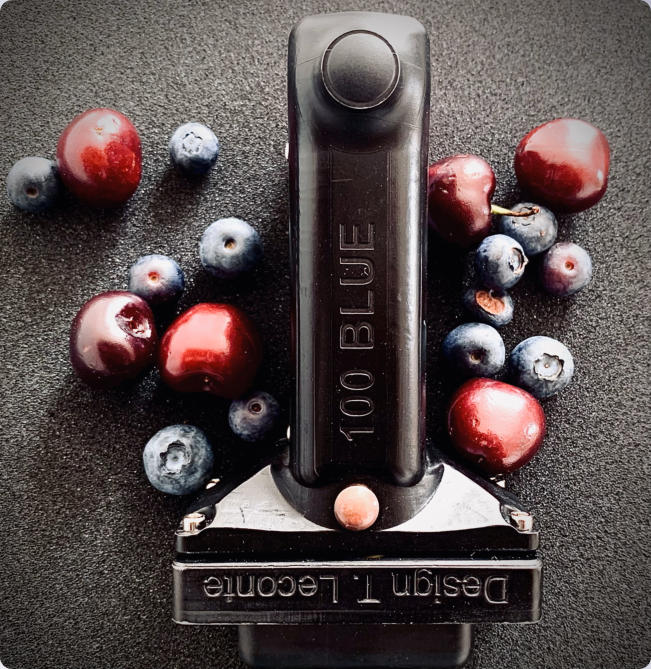



- Durofel : Cherry Blueberry Tomato
- Agrosta 100 blue : Bluetooth durofel
- Penetrometers : Apple Pear Peach Nectarine
- Citrus firmness tester
- Bluetooth statistic pH meter
- Statistic weight recorder
- Colorimeter for fruits
- Automatic for all fruits
- Automatic durofel
- Rose fruit texture analyzer + size
- FruitLab desktop penetrometer + size and weight
- Size + Color + Weight
- Refractometer






© Made by Agrosta 2024 lak@agrosta.org

Roxanne
Smart
Colorimeter
Belle
Texture
Analyzer
100 Field Durofel
tester
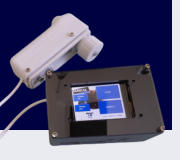
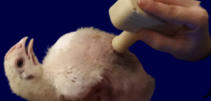
Medista 5000 for
alive animals,
medicine, meat
Winterwood
turntable machine
for blueberry and
cherry
Esther bluetooth
penetrometer
Copains
bluetooth soil
penetrometer
Wonderful turntable
machine for
all fruits
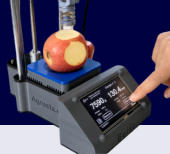
FruitLab fruit texture
analyzer with
automatic
scale
Analog texture
analyzer
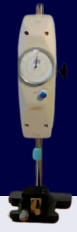
Needle firmness
tester for
cauliflower,
lettuce, cheese
and ham


100 Blue Durofel
tester


Peristaltic pump with
temperature regulation
Fruit & veg texture
analyzer Rose
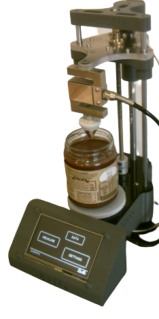
Kingfisher firmness
tester for citrus and
avocado
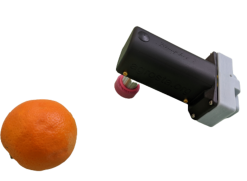
Bluetooth statistic pH
meter
Statistic weight recorder